Arc Browser users face a December 22 deadline and 18 different alternatives
Arc Browser closes December 22. Compare 18 alternatives by workflow, GitHub activity and platform limits, with current Dia features and migration deadlines.
By
Tenten AI Delivery Team
Industry Delivery
Published
Read time
36 min
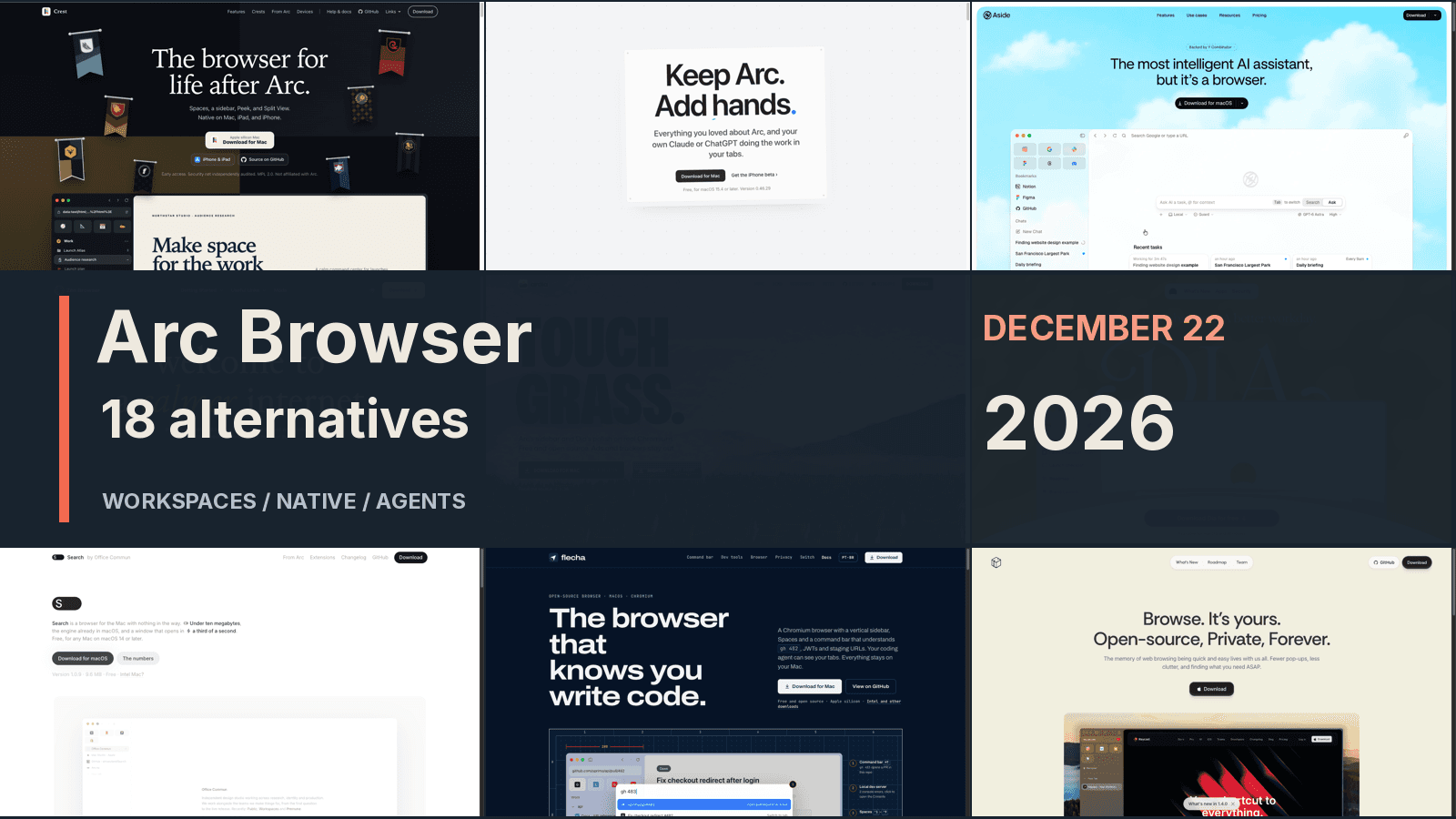
Arc Browser will stop working on macOS and Windows on December 22, 2026, according to The Browser Company's shutdown schedule. For most people attached to its sidebar and workspaces, Zen is the first alternative we'd try. Mac users who need Chromium should look at Ardia, while Dia offers the migration path supported by Arc's own maker.
Those recommendations lead to different destinations. Some of the 18 projects examined here preserve Arc's tab habits. Others make the browser a place where AI agents work, or strip it back to a small Mac application. Several are previews; one is still a waitlist. A browser that looks convincing on a landing page may have very different extension support, account isolation and update arrangements.
This comparison uses official product pages, documentation and public repository evidence checked on November 7, 2026. The images show those official websites or project pages. We haven't installed and benchmarked all 18 applications, so vendor claims about speed, battery life and security remain vendor claims.
Arc's shutdown creates three separate data deadlines
Arc's official timeline distinguishes the desktop shutdown from mobile changes and account-data requests. Desktop Arc will continue receiving basic updates and fixes until December 22, with no new features.
| Date | What changes | What to do |
|---|---|---|
| October 22, 2026 | Shutdown announced; new accounts closed | Start evaluating a replacement |
| November 23, 2026 | Arc Search on iOS and Android loses AI features, Arc sign-in and sync | Move mobile tabs you need to keep |
| December 15, 2026 | Account personal-data requests and deletion requests close | Submit any account request before this date |
| December 22, 2026 | Desktop Arc stops working; accounts and services close | Complete and verify the migration |
Arc Search on iOS will continue as a browser. The Android app will be removed from the store and installed devices on December 22. Personal data associated with deactivated accounts will be deleted within 30 days.
The Browser Company says its security team is concentrating on Dia because it can no longer keep Arc as safe and secure as necessary. Whatever users think of that decision, it creates a practical limit: after December 22, opening desktop Arc to retrieve locally stored browsing data won't be an option.
Arc's export instructions also require some attention. On a Mac, Settings → Advanced → Export Data produces Arc Data Export.md; Windows has Export Spaces and tabs in Advanced settings. The file lists links by Space. Passwords, active sign-ins and a complete browser profile aren't included in that link export.
Easels need their own export from the Library. Export All Easels saves the ones you created as web pages in a ZIP file, excluding Easels shared with you and sharing-recipient information. Boosts cannot be exported or brought into Dia. Save any essential customizations separately while Arc still opens.
Decide which part of Arc you need to preserve
Arc alternatives fall into three broad design directions: persistent workspaces, lighter Mac browsing, and AI that operates websites. A vertical tab strip can appear in all three without reproducing the rest of Arc's workflow.
Workspace users should check persistent pins, nested folders, saved splits and rules for opening external links. They should also check what a Space actually isolates. Some spaces only organize tabs; others separate cookies and sign-ins. That distinction matters when two client accounts use the same website.
The engine changes the trade-offs. Zen uses a Firefox base. Ardia, Cra and Flecha use Chromium. Search, Firn, Yab and Nook use WebKit. Firefox extensions, Chrome extensions and individual WebKit compatibility layers have different limits. Test the password manager, work sign-in, video calls and protected streaming services you actually use.
Agent browsers add a further decision: which pages the agent can read, which signed-in accounts it can use, and when it needs confirmation. Local browser storage and a locally running AI model are separate properties. Check both before handing over a work task.
1. Dia: the official migration path has become more convincing
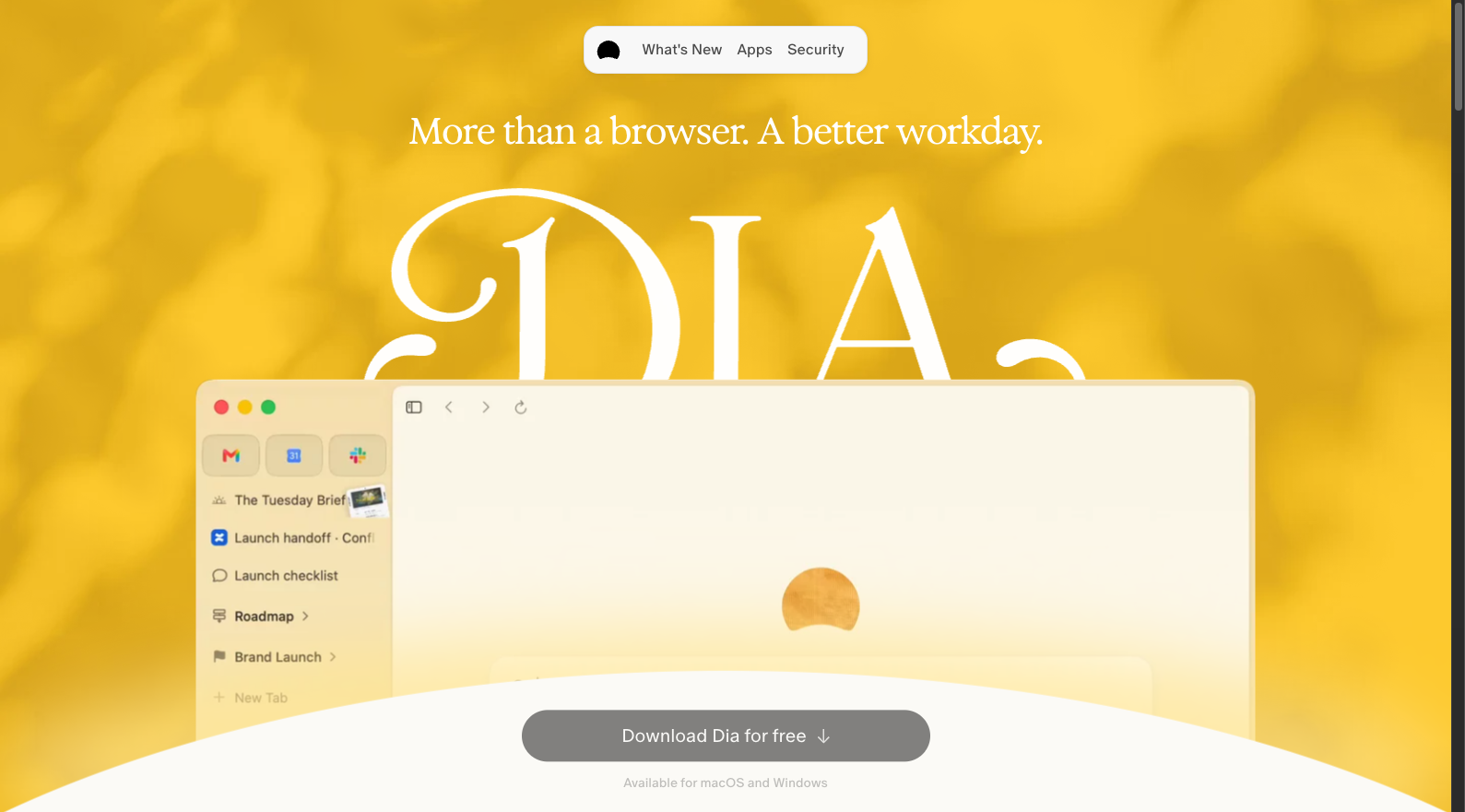
Dia's strongest argument is direct Arc migration with familiar Chrome extensions. The current Arc FAQ lists a sidebar, Profiles, pinned tabs, Split View, Command Bar and the recent-tab switcher. Importing from Arc selects the sidebar automatically. Descriptions of Dia as lacking an Arc-style sidebar are now out of date.
The design still emphasizes work context: Morning Brief, information across connected tools, and meetings beside documents. The browser is free on macOS and Windows, with optional AI. Migration changes some habits, though. Folders become pinned Tab Groups without nesting, and Air Traffic Control, Boosts, Easels, Little Arc and Peek are absent. Try Dia first if an officially supported move is your priority; compare those omissions against your daily workflow.
2. Zen: the strongest starting point for open-source workspaces
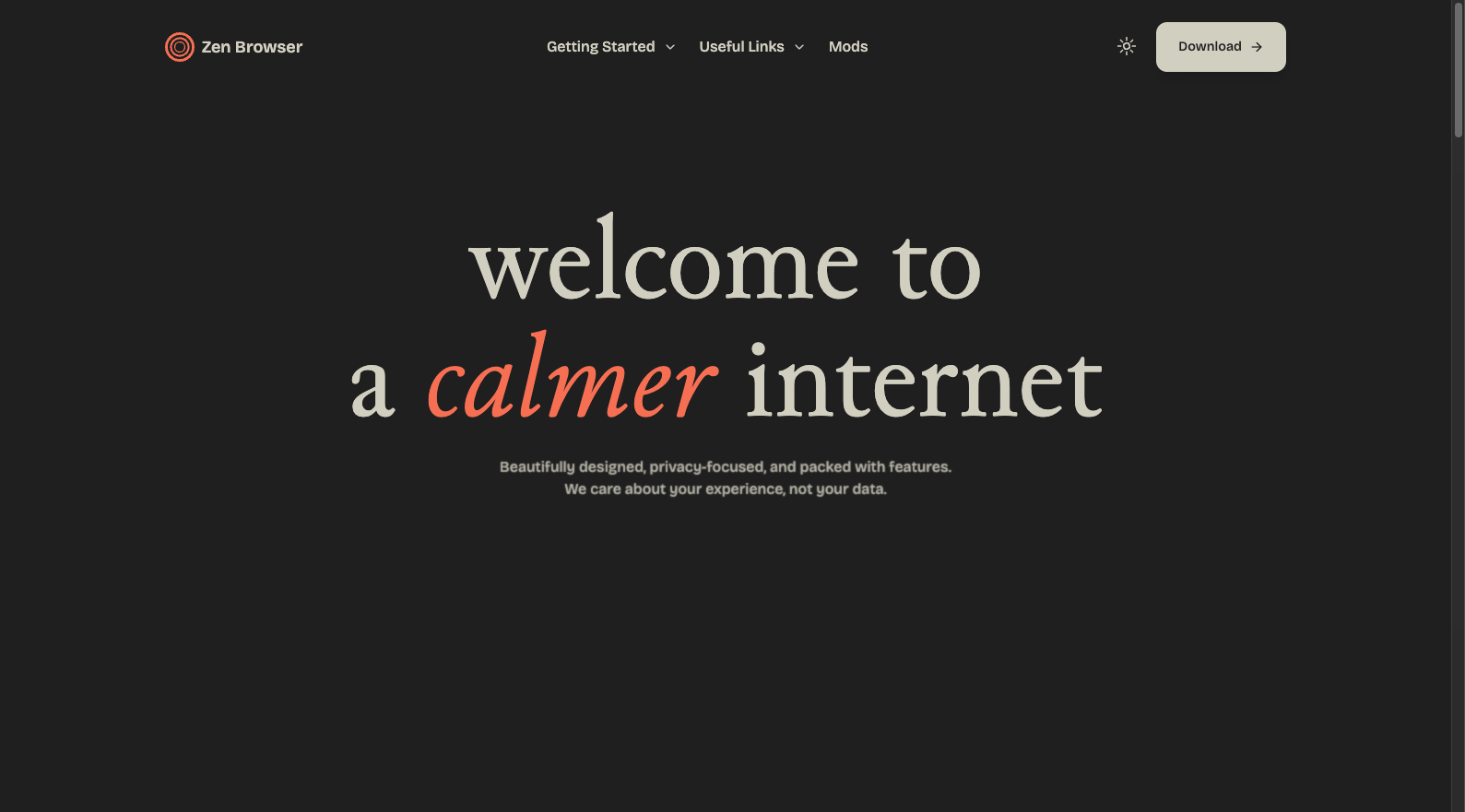
Zen is our first trial recommendation for many Arc users. Workspaces, Compact Mode, Glance and Split View keep the sidebar useful while giving pages room. Its Firefox foundation and community Mods provide another route for people who want control over the interface. The download page offers macOS, Windows and Linux, and still calls the browser beta.
Zen has 45,616 GitHub stars, the most in this candidate set, with 33 public author identifiers in its recent default-branch commit history. That is useful evidence of visible participation. The cost is an extension-system change: Chrome extensions don't transfer directly to Firefox. If an essential work site or extension requires Chromium, community size won't remove that constraint.
3. Crest: worth watching across Mac, iPhone and iPad
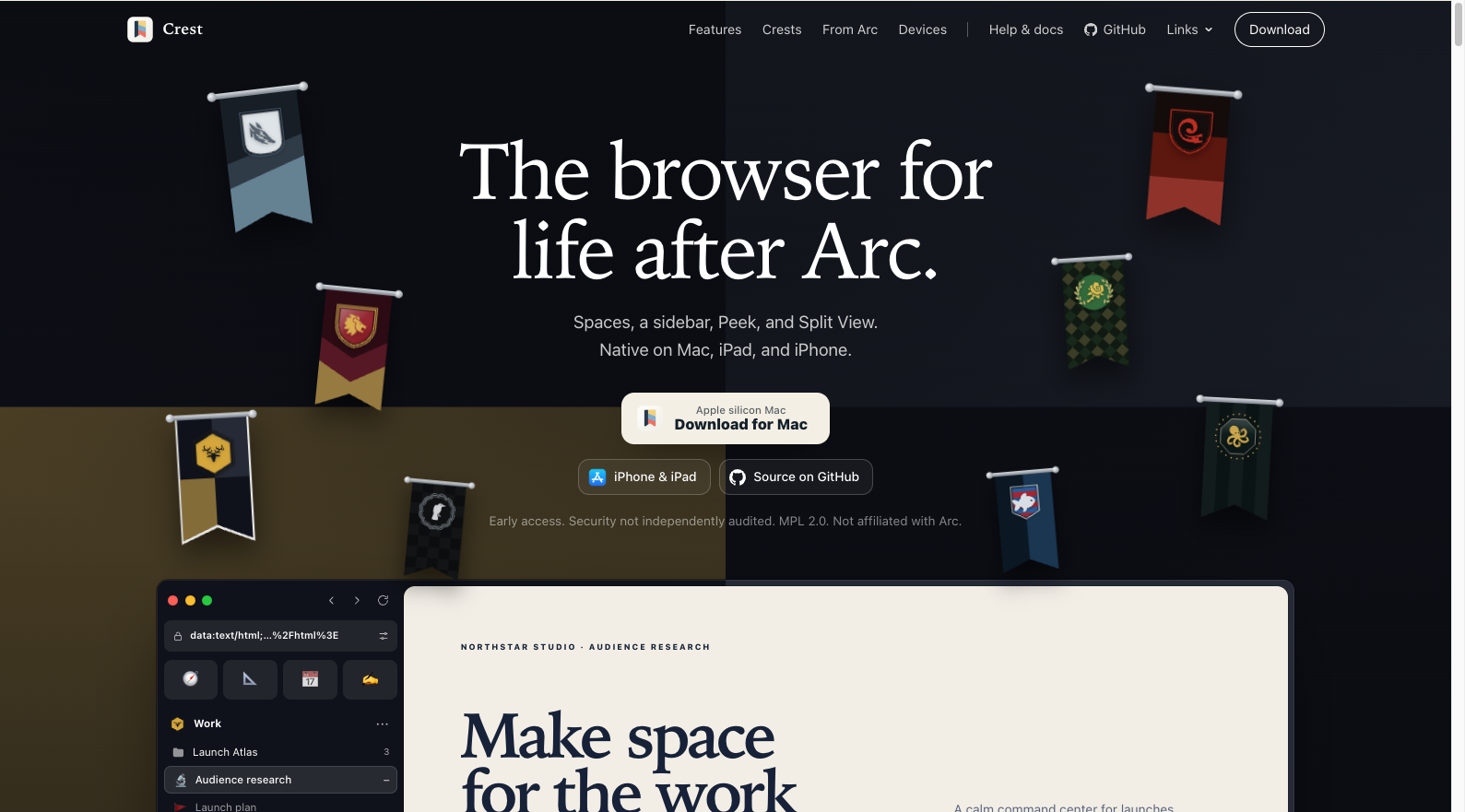
Crest's design extends Spaces across Apple devices. On the Mac, it combines Chromium with per-site WebKit, Chrome extensions, Peek, Split View, Quick Window and Link Routing. Spaces, tabs and folders sync through iCloud. Sub-Spaces can share sign-ins, history, passwords and extensions while keeping separate tabs and colors, a useful distinction for projects under one identity.
That makes Crest a worthwhile trial for people who want their workspace on an iPhone or iPad too. It has 1,129 stars and 209 default-branch commits in the recent 30-day window. The homepage also explicitly says early access and that security hasn't been independently audited. Mac downloads target Apple silicon. Start with noncritical work and check both engine behavior and essential extensions.
4. Yab: familiar Arc habits with your existing AI subscription
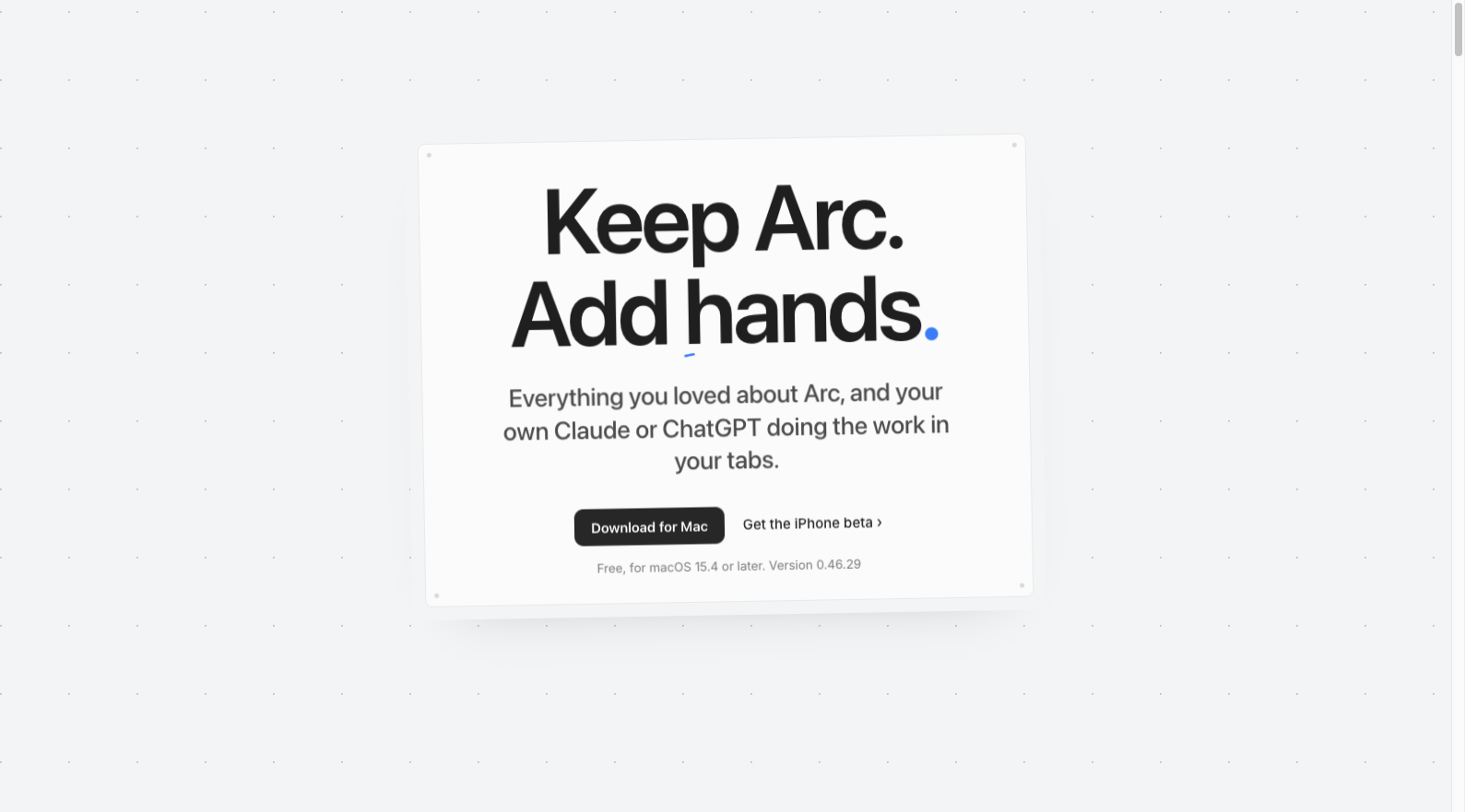
Yab describes its aim as "Keep Arc. Add hands." Spaces, pins, Peek, Split View and its command field preserve familiar habits, while an existing Claude or ChatGPT subscription can operate signed-in tabs. Developers can connect their own agents through MCP or a CLI. That subscription model is worth comparing if you already pay for an assistant.
The official site lists WebKit, Arc import, end-to-end encrypted sync and Chrome extension support. The Mac browser is free and requires macOS 15.4 or later. Its public GitHub projects include MCP and plugin tooling; their stars don't measure interest in a complete open-source browser. Yab is a relevant Mac trial for agent work, with extension compatibility something to check against your own list.
5. Ardia: a first Chromium trial for Apple silicon Macs
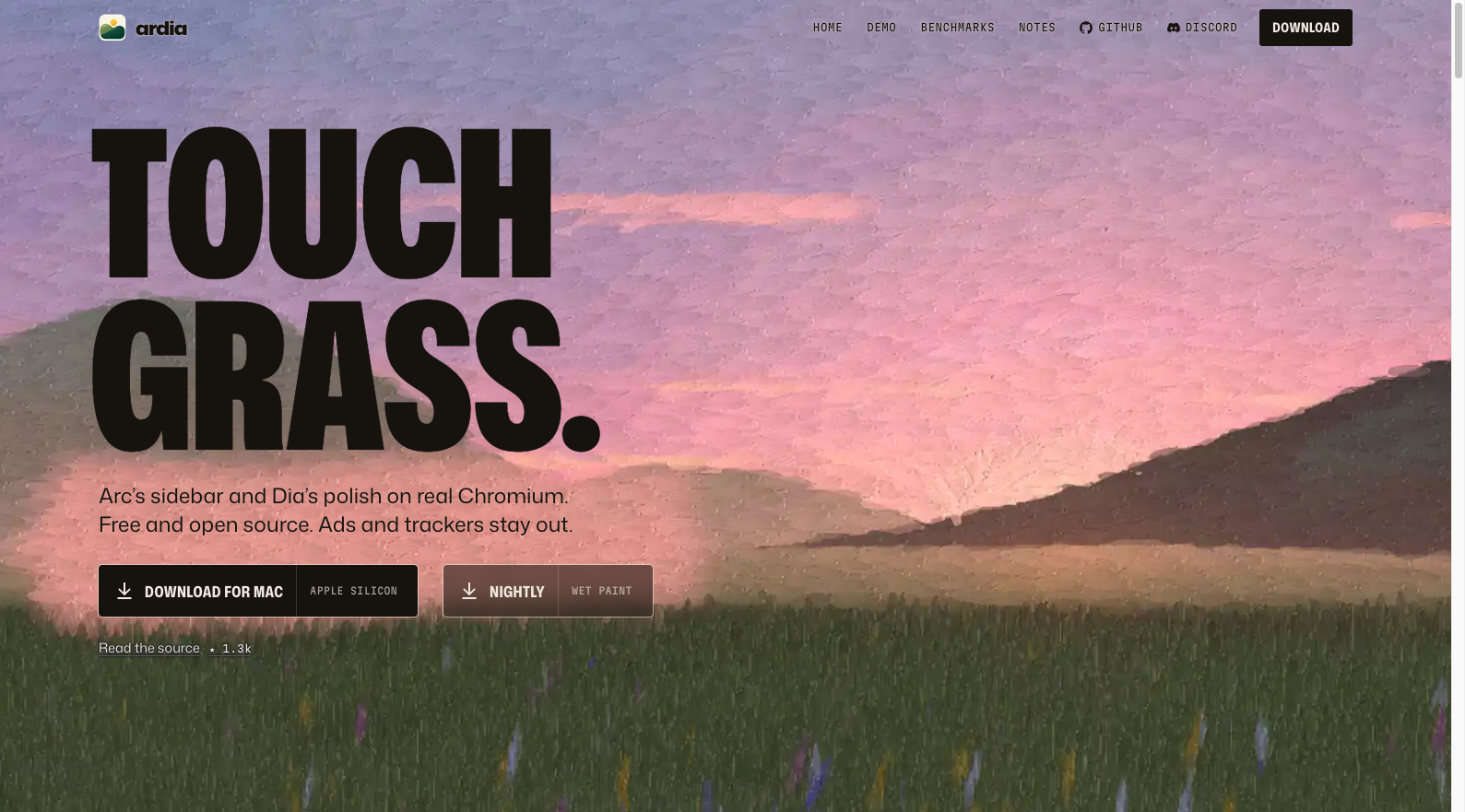
Ardia makes its goal unusually clear: Arc's sidebar and Dia's visual polish on Chromium. Arc space and pinned-tab import, ad and tracker blocking, and an open-source codebase make it a direct candidate for people who need the Chrome extension system. Downloads currently target Apple silicon Macs on macOS 14 or later.
Ardia has 1,298 stars, a November 4 release of version 0.2.44, and November 6 commits and a separate nightly build. Those recent deliveries support a trial recommendation. Its website publishes comparisons with Dia and Helium, including machine and version conditions. Those are the developer's measurements, not results we reproduced. The clearer reasons to try Ardia are its product fit, inspectable source and current releases.
6. Aside: evaluate it for website work by agents
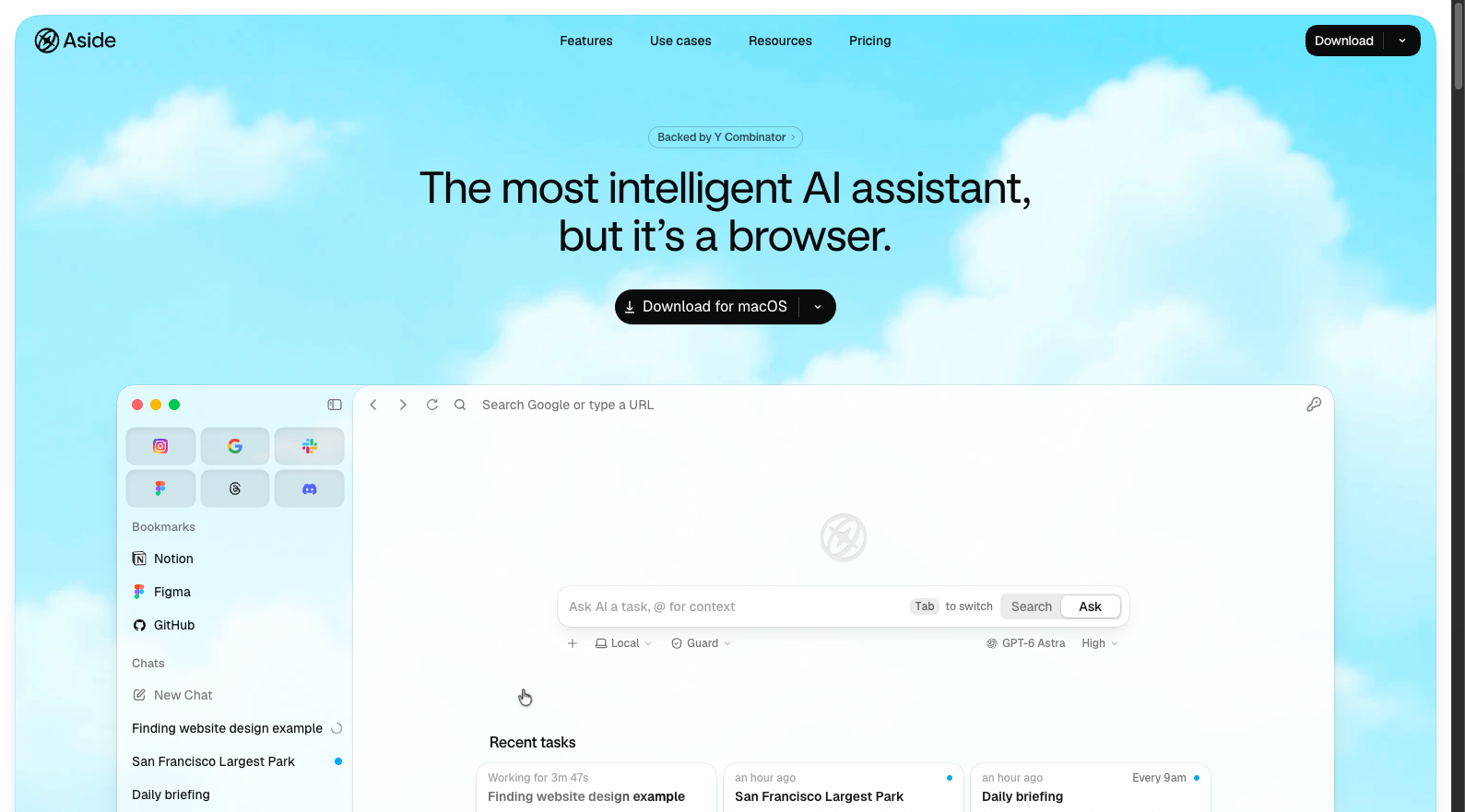
Aside designs the browser around agent execution: signed-in websites, work memory, local files and a Vault for credential access. The homepage describes scoped access, audit records and confirmation for sensitive actions, alongside support for existing subscriptions or API keys. That is a different evaluation from checking how closely a sidebar resembles Arc.
Aside is most relevant to Mac users who want an agent to work across websites and back-office tools. Its benchmark rankings and privacy protections are vendor descriptions that we haven't independently verified, and we found no comparable full-browser source repository. Begin with a reversible task and examine access scope, action records and the confirmation before a message or payment is submitted.
7. Search: simple Mac workspaces with an explicit no-sync trade-off
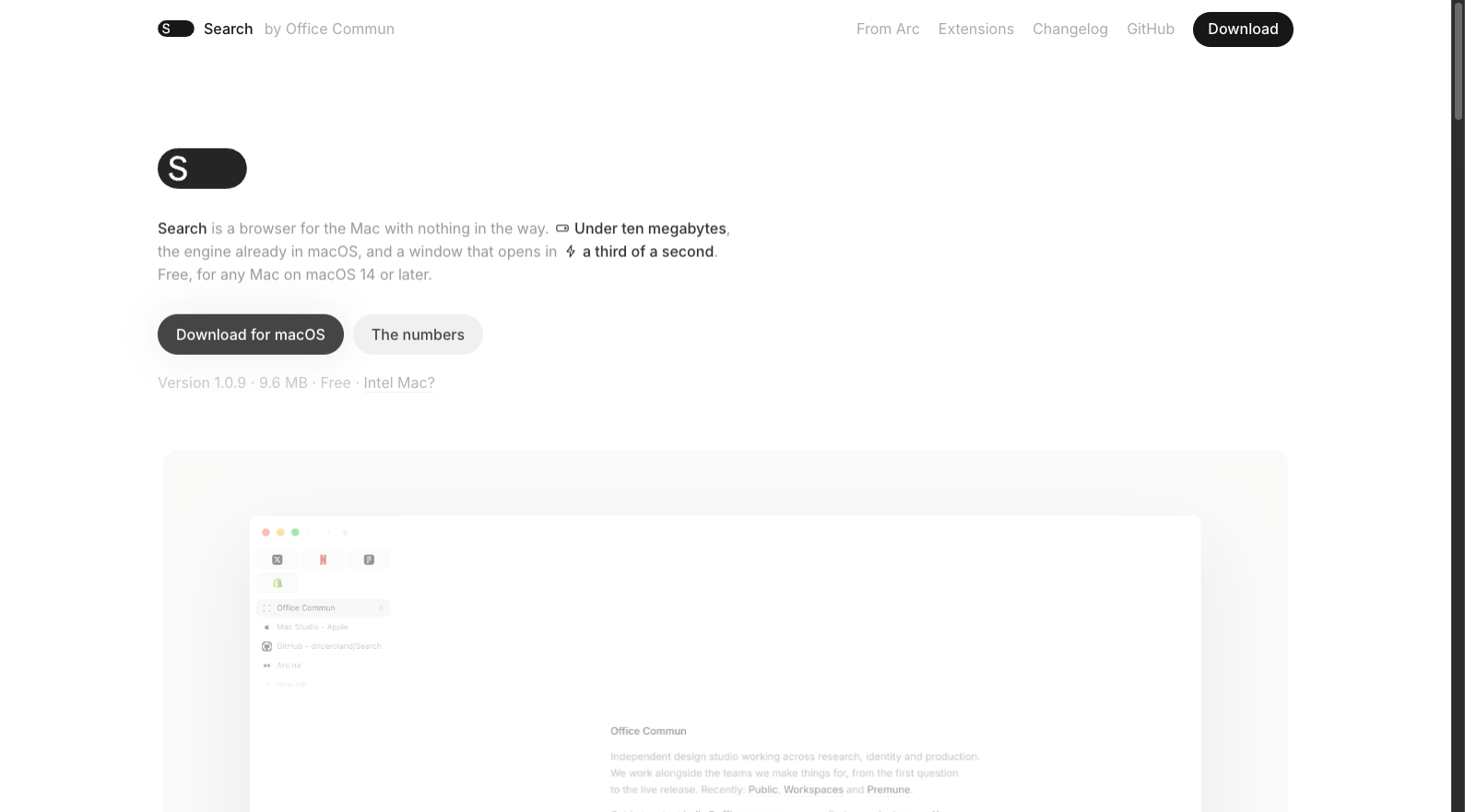
Search uses the WebKit engine already in macOS, with a choice of sidebar or top tabs, Spaces, pins, reading mode, floating video and keychain passwords. It supports Apple silicon and Intel Macs on macOS 14 or later. Chrome extensions have a separate requirement of macOS 15.4 or later.
Search has 2,828 stars, 332 recent commits and 43 public author identifiers in the observed window. That makes it a project worth following for visible participation as well as design. We'd recommend a trial to people who mainly work on one Mac. Its website explicitly says there is no sync. If you move between computers daily, that matters more than an advertised download size or launch time.
8. Firn: a useful option if you don't need extensions
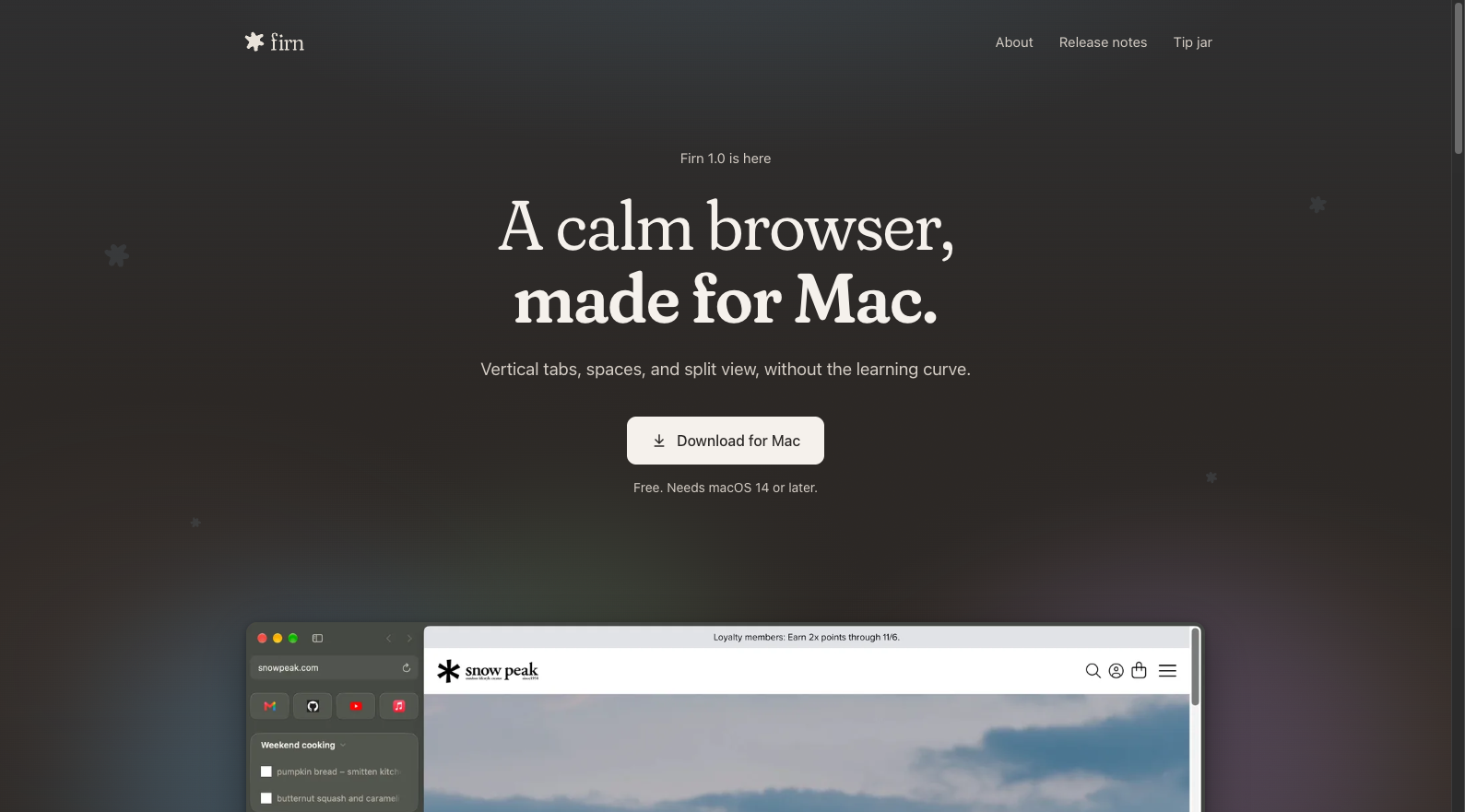
Firn narrows the design to a few approachable tools: Spaces, shared everyday sites called Basecamp, a floating link preview called Lookout, and two-page Split View. Written in Swift on WebKit, the free Mac browser requires no account. It is worth trying for reading and tab organization when a long feature list isn't necessary.
Firn has just 62 stars, but a November 2 release of version 1.0.1 and recent commits show current work. Its FAQ gives the limits plainly: no extension support yet; Windows stopped at 0.11.0 and no longer receives updates; mobile versions and sync are plans. The recommendation therefore has a clear boundary: macOS 14 or later, without an essential browser extension.
9. Flecha: the most distinctive developer workflow in this set
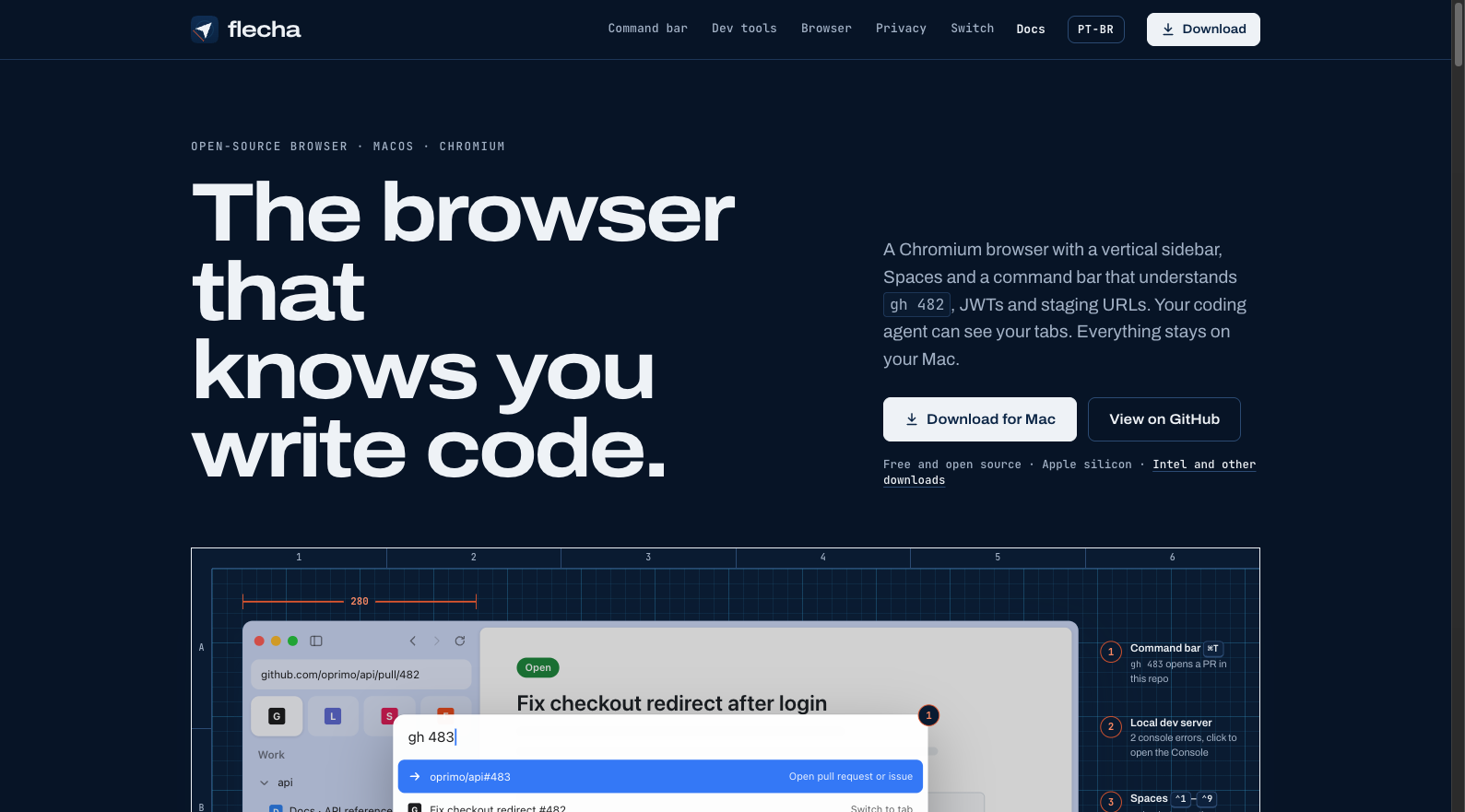
Flecha builds its command bar around development work. Alongside Chromium, a sidebar and Spaces, it understands GitHub PR references, npm, MDN, JWTs and timestamps. It can switch between local, staging and production while preserving the path and query, show a phone view beside desktop, and surface local servers and console errors. Boosts, Peek, Split View and a small Flechinha window extend the Arc-style workflow.
Its official page describes an MCP bridge that stays off until enabled, listens on the local machine and requires a token. That gives coding agents a route into existing tabs. Flecha has 121 stars and a recent 0.1.2 release; Apple silicon and Intel Mac downloads are available, while Windows and Linux are not yet offered. Developers who regularly check several environments have a concrete reason to experiment with it.
10. Arcium: follow the new repositories and read the preview limits
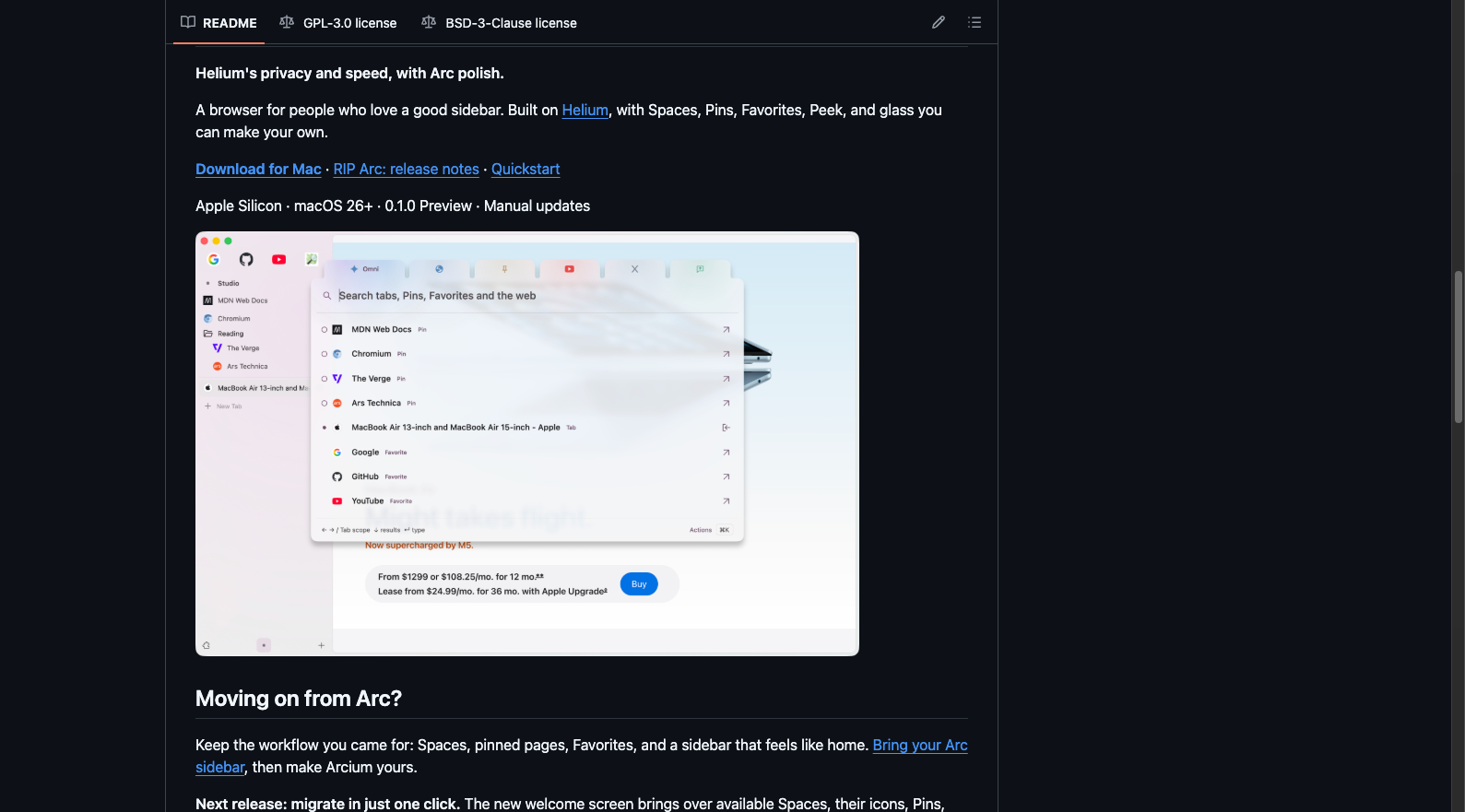
Arcium combines a Helium and Chromium foundation with Spaces, Pins, Favorites, Peek, Little Arc and a customizable glass interface. The original Arcium-browser repository was archived on October 23 and its temporary preview downloads removed. The current Mac packaging and documentation are in Arcium-macOS, with shared browser source in Arcium.
The Mac repository has 22 stars. Its README describes an Apple silicon, macOS 26-or-later preview with manual updates and warns about an older Chromium base. One-click Arc migration has been merged into source but isn't in the preview.1 download; passwords and sign-ins require separate migration. Arcium is interesting for isolated testing and following the fork's design. Those preview conditions keep it off our general replacement shortlist for now.
11. Click: an early Mac-native option with on-device AI ambitions
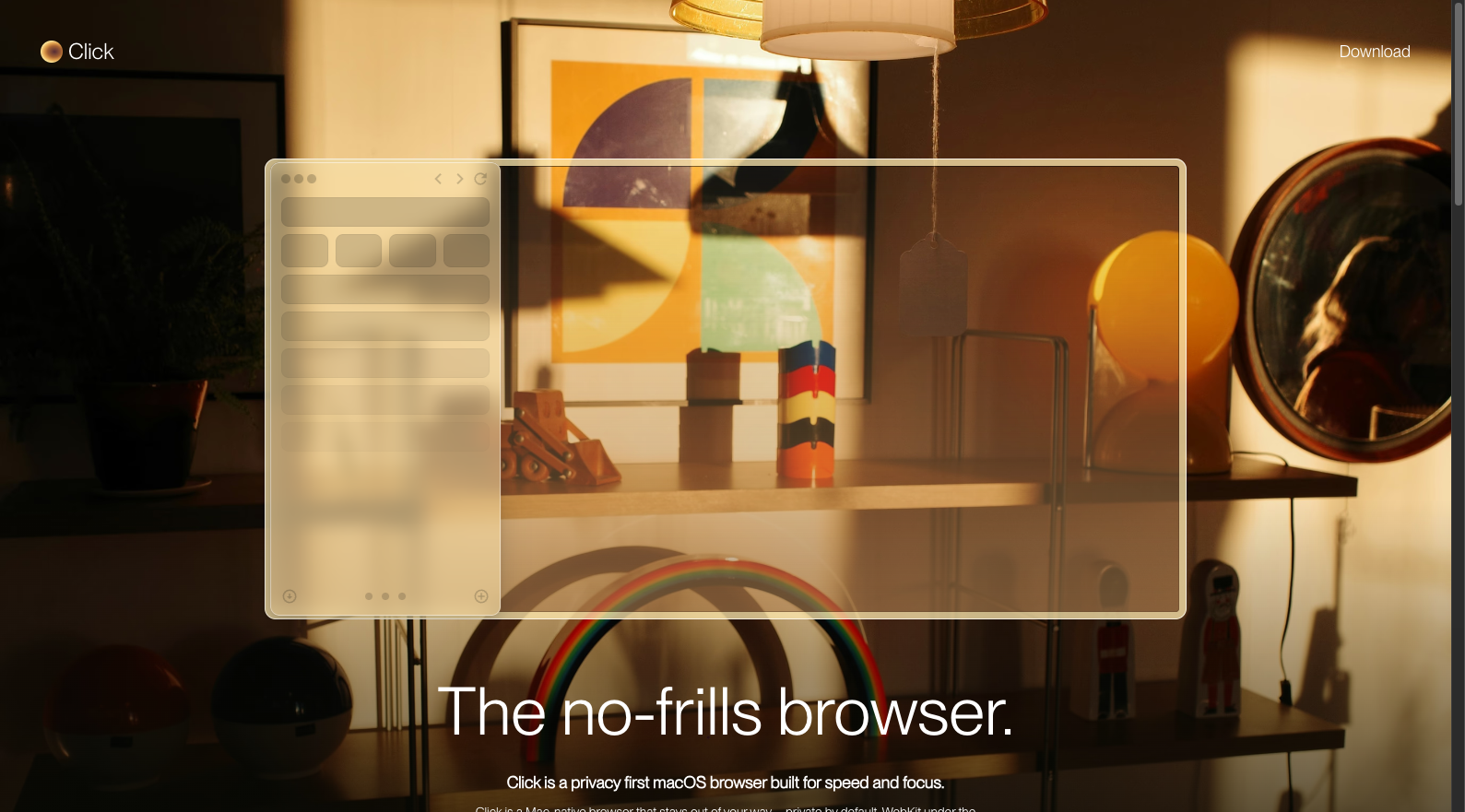
Click uses WebKit and a native Mac interface, with vertical tabs, Spaces, Profiles, Peek, Little Click and Split View. The maker also lists on-device Apple Intelligence, built-in ad and tracker blocking, and no account or telemetry. Its design brings tab organization and an assistant into a compact application.
The website currently directs users to early access and TestFlight, while iCloud Sync is marked Coming Soon. That makes Click a trial for people willing to test an early product. Anyone requiring sync should wait for delivery. We haven't verified a public full-browser repository, so there is no comparable star count and no basis for treating early access as an ordinary stable release.
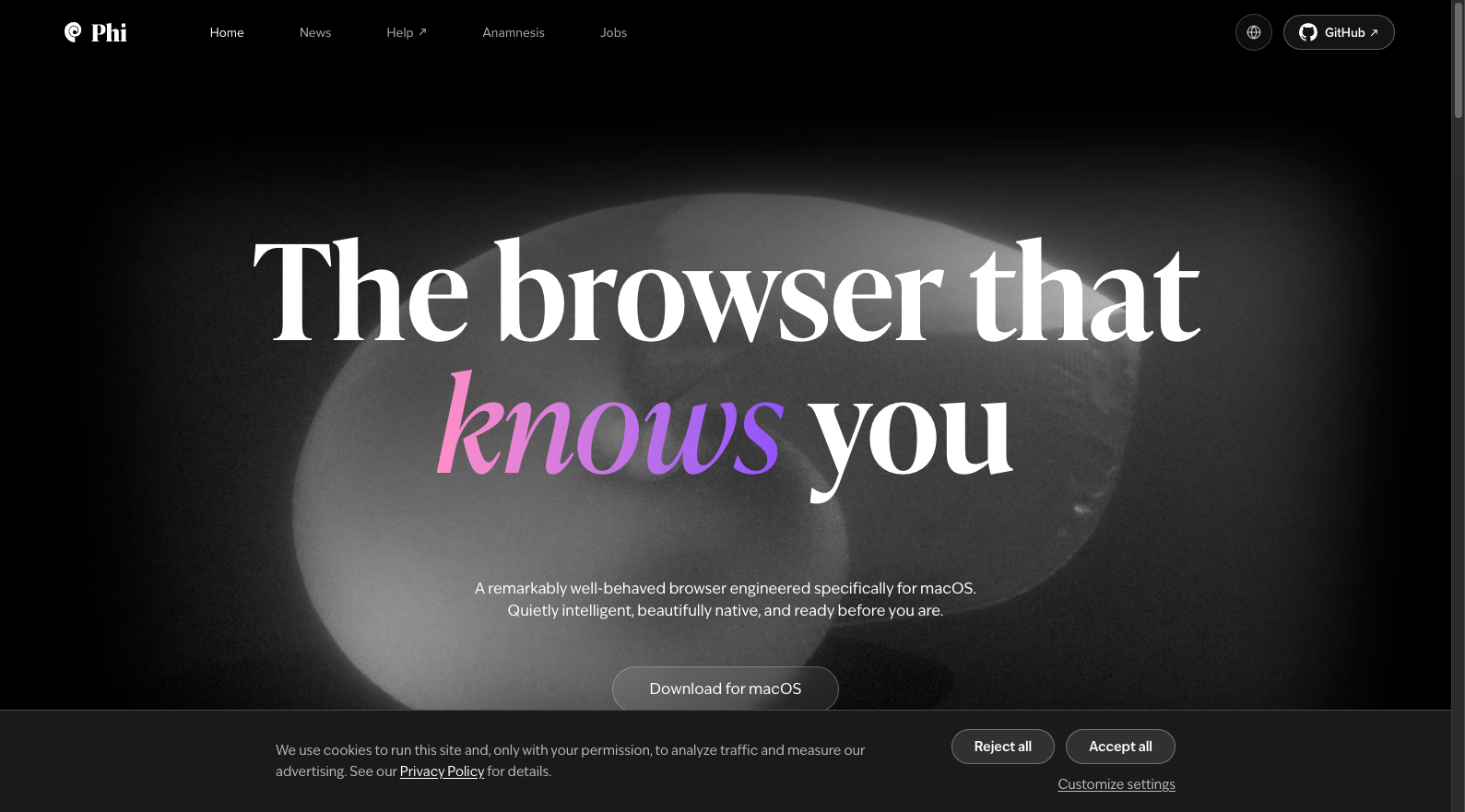
12. Phi: open Chromium source with personal AI memory
Phi wraps Chromium in a native macOS application and emphasizes personal memory, proactive assistance and access through messaging software. Its website also describes CLI and Playwright compatibility, so agents can use an everyday browser's state. Users can turn off all AI features. The design is worth evaluating if a browser assistant's memory and actions matter more to you than a search box alone.
Phi's Mac source repository has 347 stars and 342 recent commits. The Mac application requires Apple silicon and macOS 14 or later; Windows has a separate technical preview. We'd suggest it to people interested in personal assistants and agent integration. People primarily trying to recreate pinned tabs and folders can start with the more focused workspace products.
13. Cra: a small project covering many Arc workflows
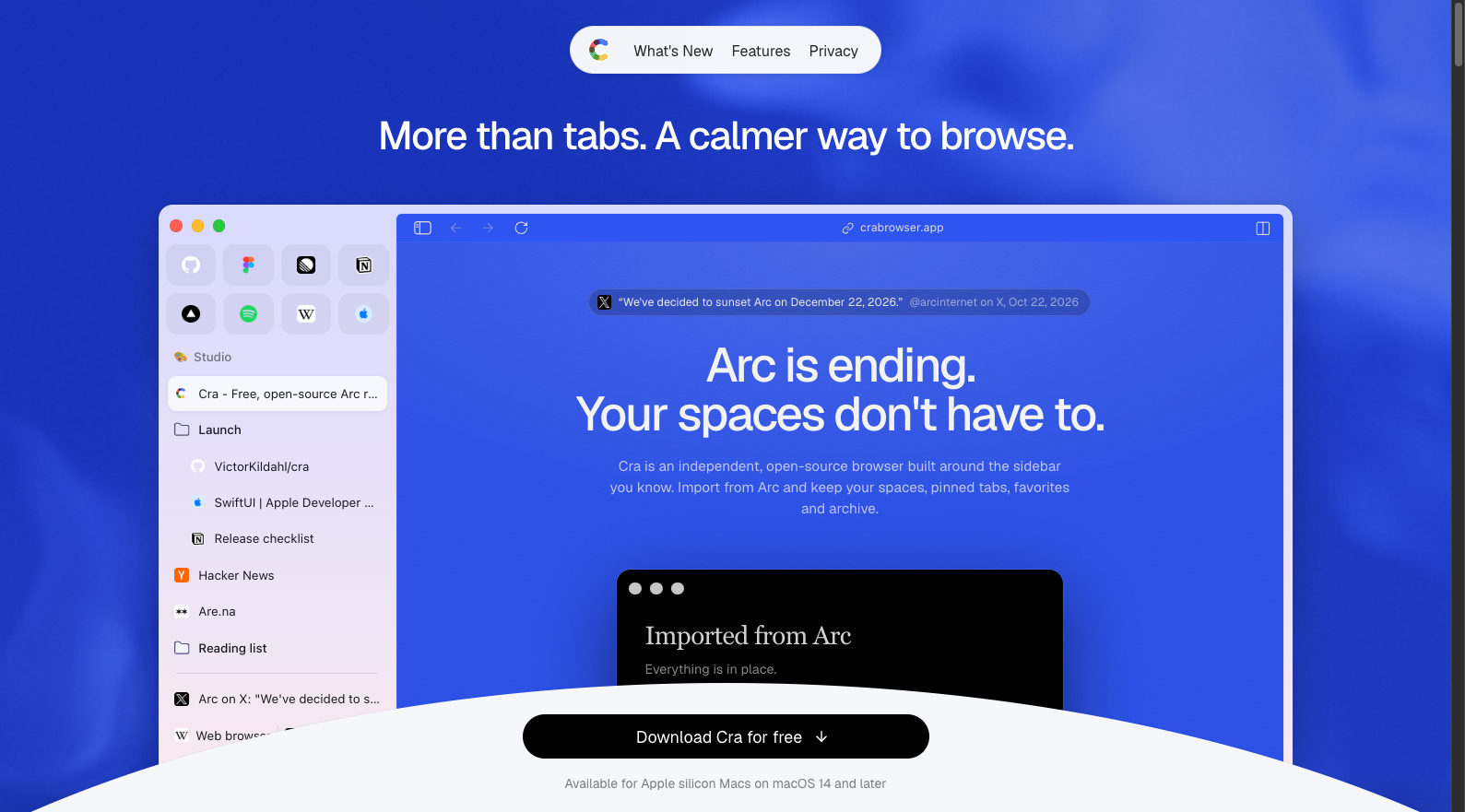
Cra focuses on familiar Arc behavior: Spaces, pins, Today tabs, folders, Command Bar, Peek, Little Windows, up to four split panes, Air Traffic Control and GitHub Live Folders. Automatic archiving ranges from 12 hours to 30 days, and Chrome extensions are supported. External-link routing gives people who depended on that Arc feature a reason to investigate.
Cra has 158 stars, 247 recent commits and a November 6 release of version 0.1.33. Downloads target Apple silicon Macs on macOS 14 or later. The homepage also names the gaps: Easels, Boosts and Notes are not available yet. Cra is an interesting smaller open-source trial, with actual sign-ins, extensions and imported data worth checking before a long feature list persuades you to switch.
14. Stedding: a beta for Windows and self-managed sidebar sync
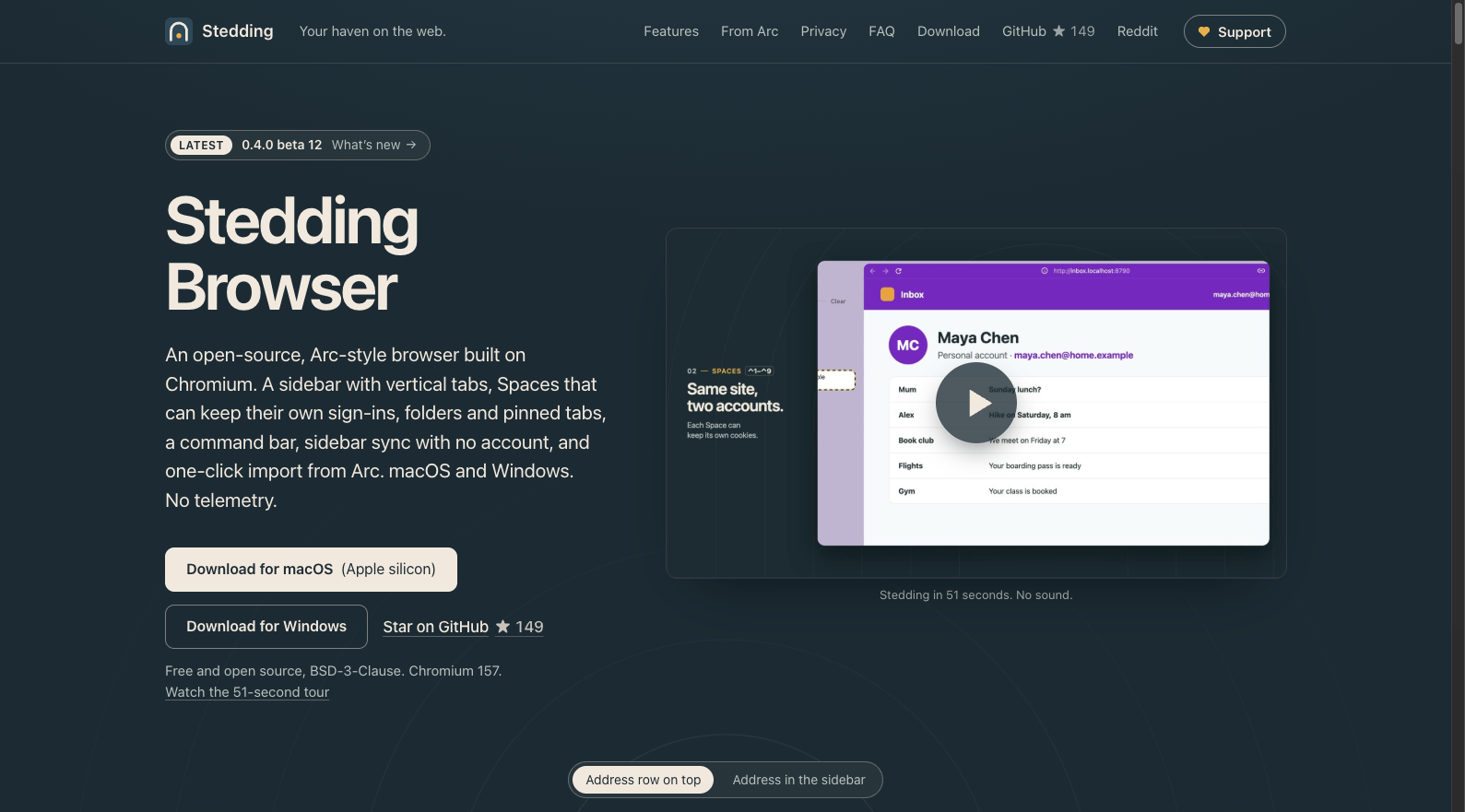
Stedding rebuilds Spaces, nested folders, pins, Command Bar, Peek, Split View and link routing on Chromium. Spaces can optionally separate sign-ins. Its distinctive choice is sidebar sync through your own cloud folder, WebDAV or S3, without a Stedding account or built-in AI.
The official site offers Apple silicon Mac downloads for macOS 13 or later and x64 Windows 10 and 11 downloads. The November 6 release is 0.4.0 beta 12; a GitHub release flag doesn't change that beta name. At 149 stars, Stedding deserves a Windows user's test list. The Mac package is signed and notarized, while the Windows installer is not yet code-signed, which can affect use on managed work computers.
15. Ortix: a Mac workspace for tabs, media and AI
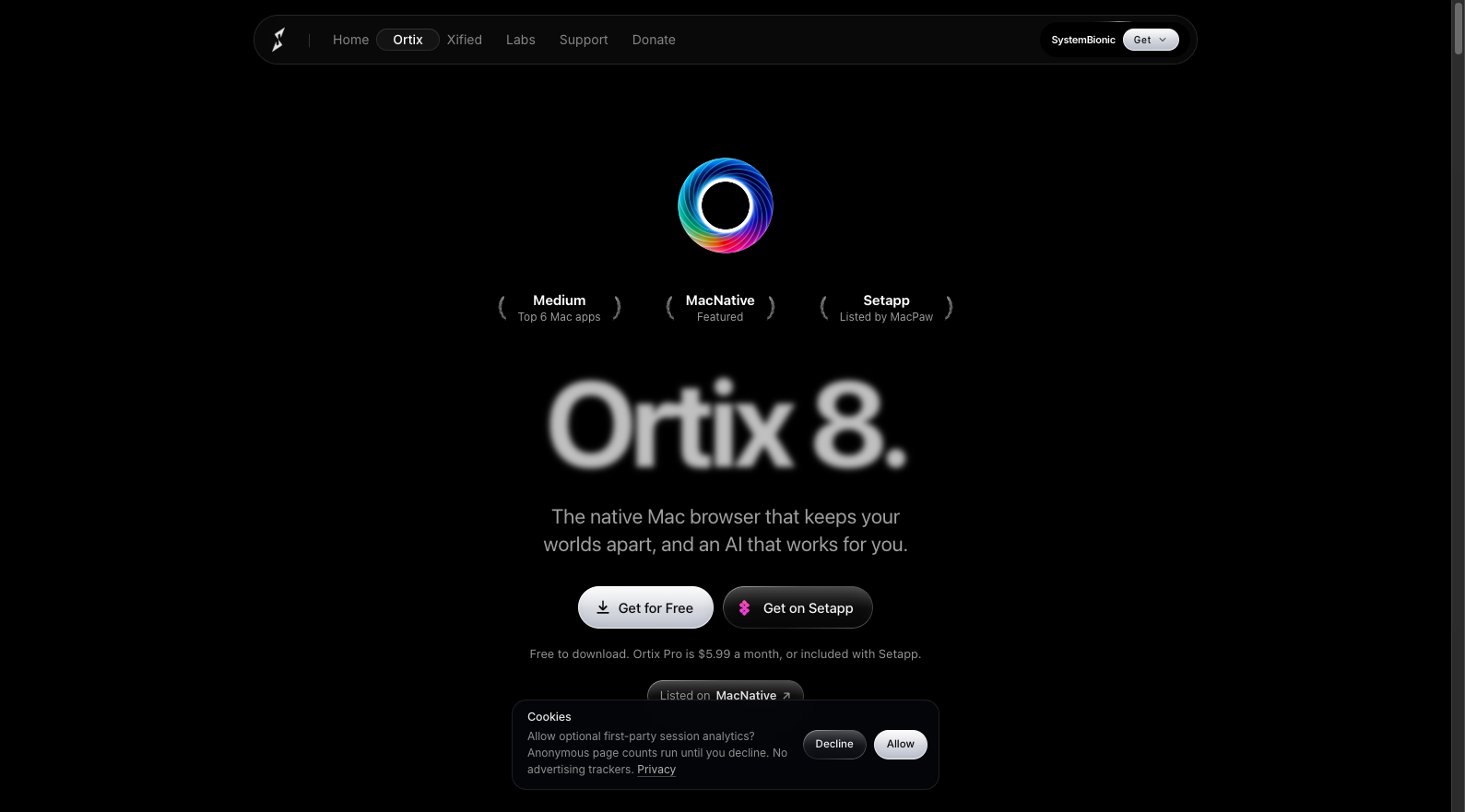
Ortix 8 uses WebKit and combines Spaces, Profiles, Collections, up to four split panes and sidebar media controls. Its EVVE assistant can use local models or your own API key, with agent sessions you can watch. That design is relevant to people who want reading, media and assistance in one working window.
The pricing page lists a free tier with up to three Spaces, Pro at $5.99 a month after a seven-day trial, and Pro included with Setapp. It requires Apple silicon and macOS 26 or later. Existing Setapp users have a reason to compare it if they want those media and agent features. People requiring a verified full open-source browser repository or older macOS support should look elsewhere.
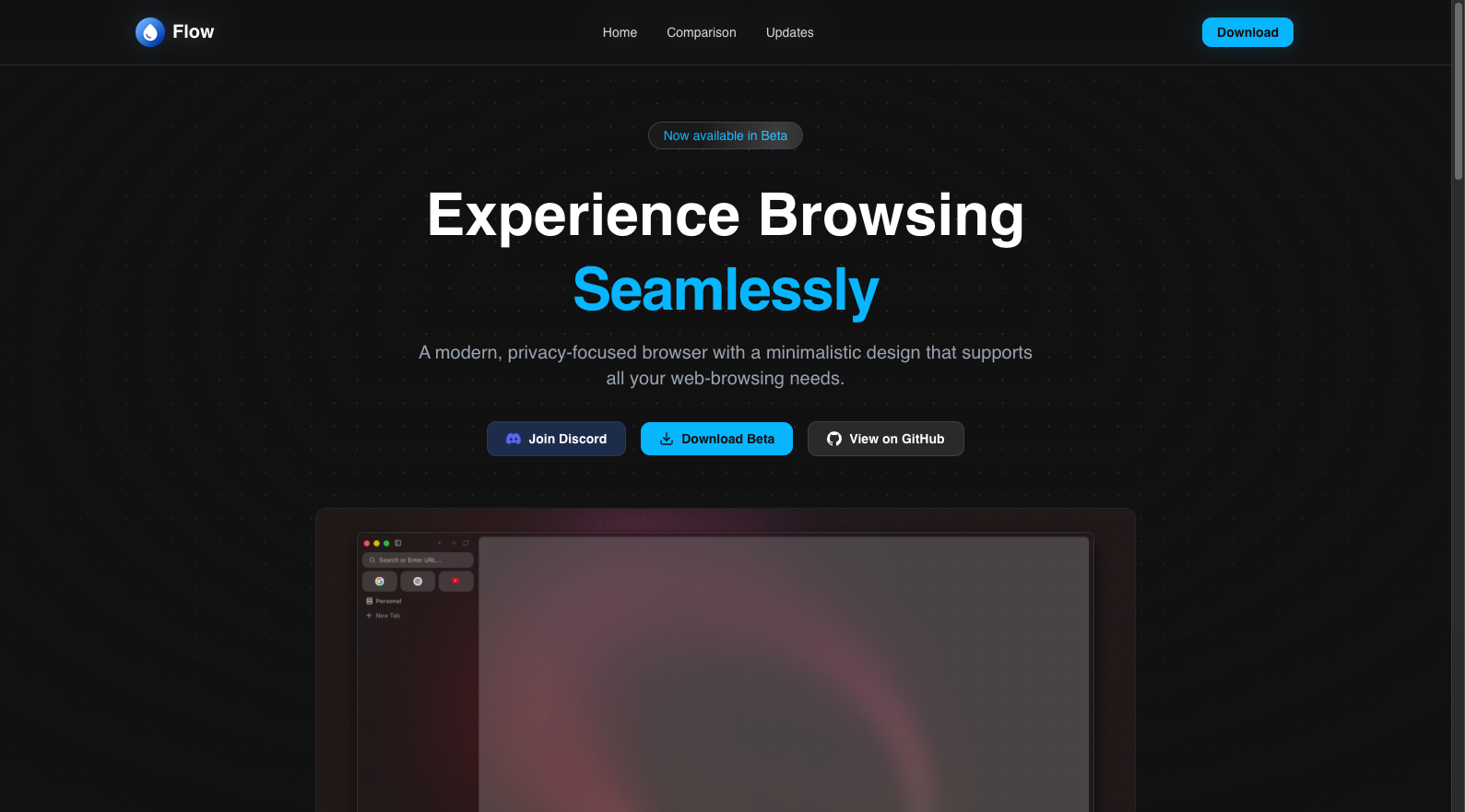
16. Flow: lifetime interest exceeds the recent delivery evidence
Flow combines Electron and Chromium with Profiles, Spaces, a sidebar, Command Palette, pinned tabs, sleeping tabs and ad blocking. The homepage still calls it beta. Extension support is labeled Experimental in its feature list, while a top bar, download manager and Favorites are Coming Soon.
Flow has 1,095 stars but zero default-branch commits in the observed 30-day window. The latest default-branch commit was May 16; the latest stable GitHub release was 0.12.0 on April 15. That doesn't establish permanent abandonment. It does weaken the case for choosing it as an everyday replacement now. We'd wait for fresh engine-maintenance and downloadable-release evidence.
17. Argus: a watchlist entry awaiting public delivery
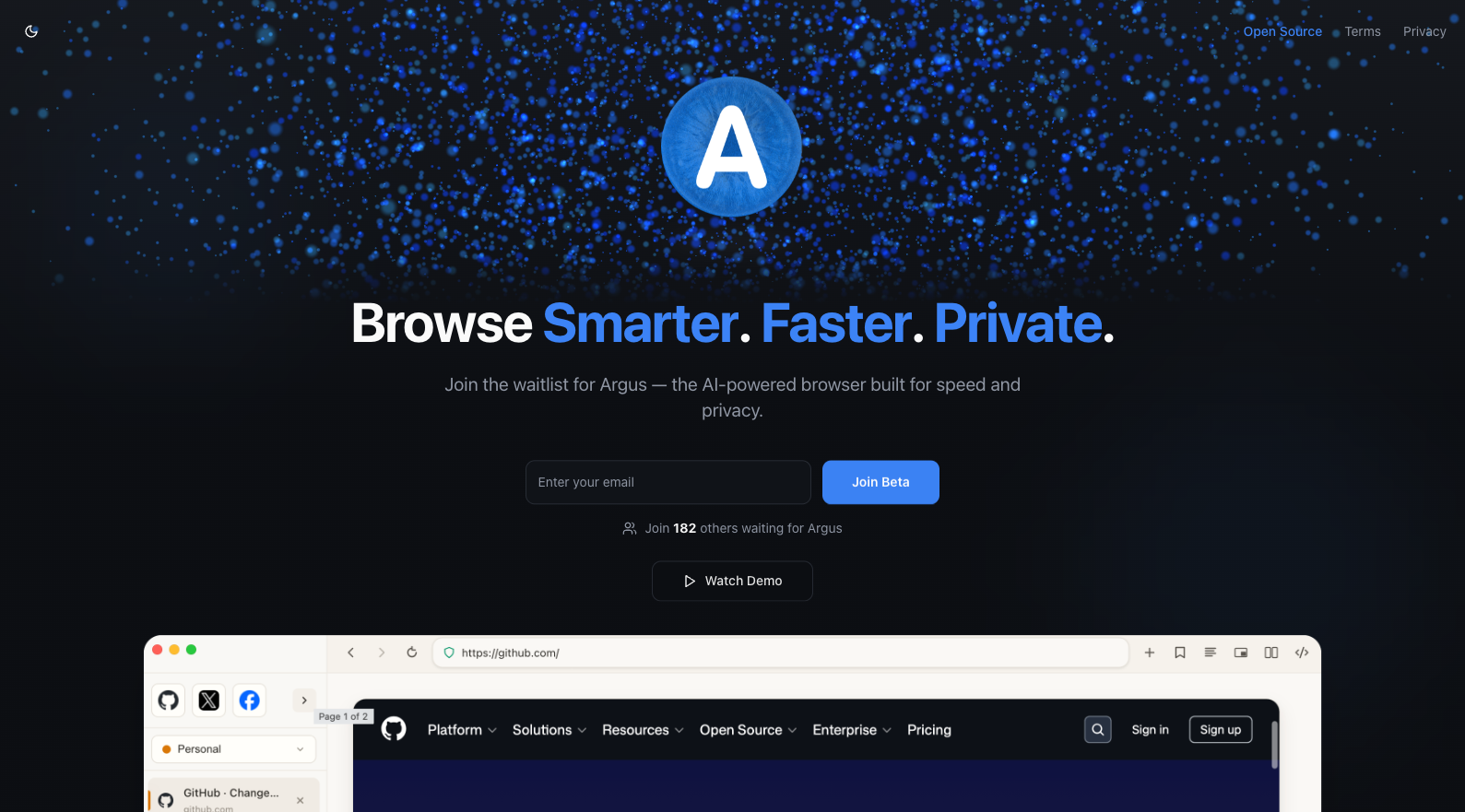
Argus promotes AI, speed and privacy, with a waitlist and Join Beta as its public entry points. The concept is worth following, but the available page provides less feature and download evidence than the other candidates.
Its Open Source page explicitly says the codebase hasn't been open-sourced, while licensing and contributor arrangements are being considered. The homepage's 182 people waiting is a waitlist counter, not active-user evidence. Argus belongs on a watchlist; there isn't enough public delivery evidence to recommend it to someone who must finish moving before December 22.
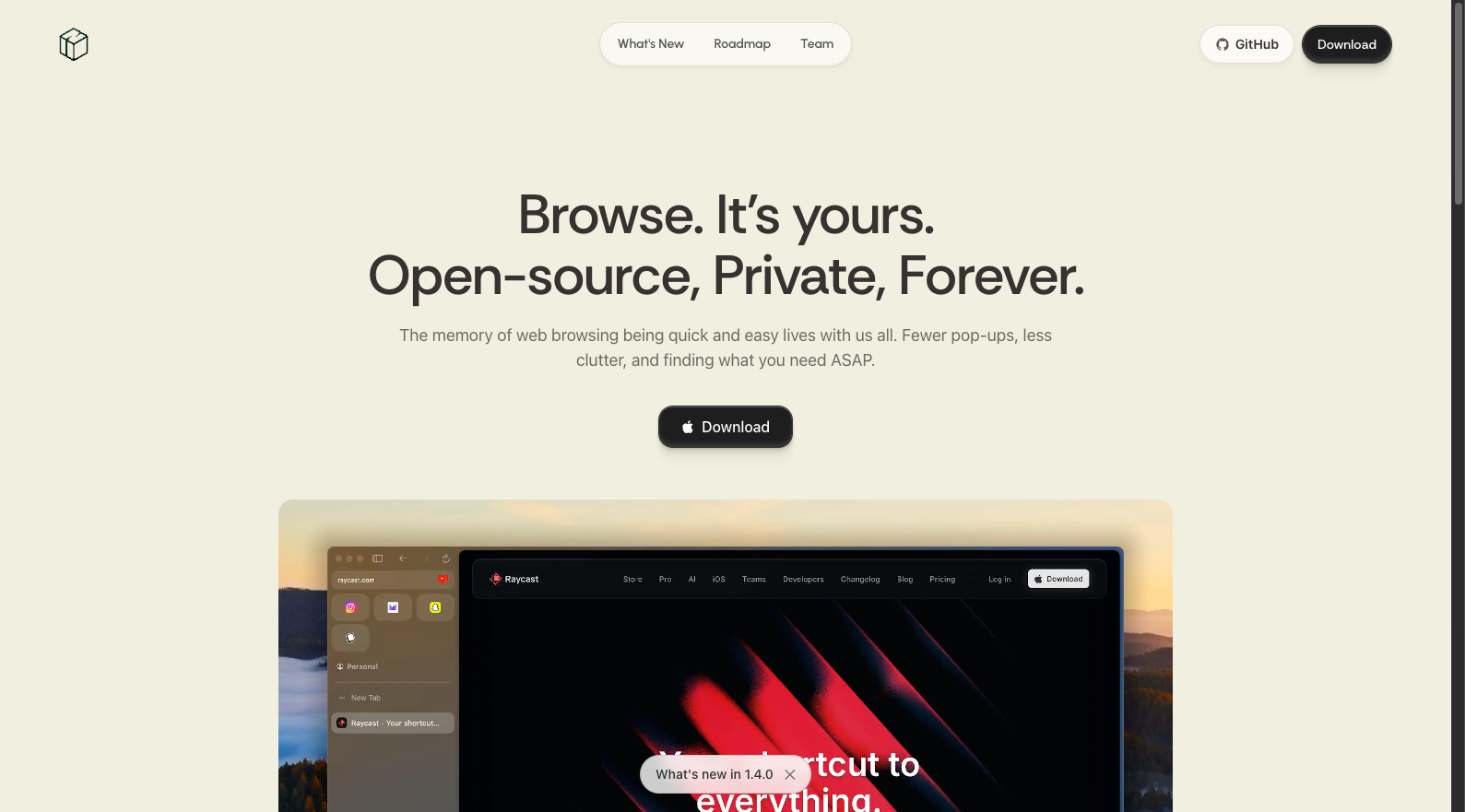
18. Nook: WebKit workspaces with optional AI
Nook uses WebKit, a sidebar and Spaces, with opt-in AI and advertised Chrome and Safari extension support. Its design gives Mac users a way to consider a simpler browser while retaining the option of assistance. AI doesn't have to be enabled to evaluate that direction.
Nook has 2,035 stars, 164 recent commits and an October 28 release of version 1.4.0. The official repository says development resumed under a new maintainer in September 2026. It is worth comparing with Search: Nook keeps optional AI in its design, while Search makes an explicit no-sync trade-off. Continued releases and your own extension compatibility will determine whether Nook fits as a daily browser.
Stars measure attention; recent work adds context
GitHub stars capture cumulative repository interest. Recent releases, commits and public collaboration help establish whether work is still happening. Stars below were checked on November 7, 2026; the commit window runs from October 8 at 01:53 UTC to November 7 at 01:53 UTC and includes default-branch history, merges, automation and upstream changes.
| Project | GitHub stars | Commits in 30 days | Latest commit, UTC |
|---|---|---|---|
| Zen | 45,616 | 109 | November 6 |
| Search | 2,828 | 332 | November 6 |
| Nook | 2,035 | 164 | November 6 |
| Ardia | 1,298 | 2,014 | November 6 |
| Crest | 1,129 | 209 | November 6 |
| Flow | 1,095 | 0 | May 16 |
| Phi, Mac | 347 | 342 | November 6 |
| Cra | 158 | 247 | November 7 |
| Stedding | 149 | 509 | November 6 |
| Flecha | 121 | 471 | November 2 |
| Firn | 62 | 653 | November 6 |
| Arcium, current Mac repository | 22 | 630 | November 3 |
We haven't verified comparable full-browser source repositories for Dia, Yab, Aside, Click, Ortix or Argus. Their figures are unavailable, not zero. Arcium's archived repository, Mac packaging and shared source are counted separately rather than added together.
The commit window contains 33 public author identifiers for Zen, 43 for Search and 21 for Crest. A separate inclusive October 8 to November 7 UTC calendar query found 496 updated issues and 232 updated PRs for Zen, 435 and 346 for Crest, and 229 and 270 for Search. These are records with activity, including comments or labels. They don't count resolved bugs or measure response time.
We haven't turned those measures into a weighted score. Forks can inherit upstream work, author identifiers can include automated accounts, and commit volume doesn't establish security. A Discord invite proves a channel exists, not that its members are active. A current downloadable release, maintained engine and evidence of issue handling are more useful alongside your required features.
Our shortlist starts with three different needs
Zen is the first trial for people who want Arc-like workspaces and can move to Firefox extensions. It combines three desktop platforms, the most visible interest in this set and recent participation from multiple authors. If work compatibility requires Chromium on an Apple silicon Mac, try Ardia. If the officially supported import path matters most, try Dia and check its folder changes and missing Arc features before committing.
Specific needs change that order. Crest is interesting across Mac, iPhone and iPad. Search makes a strong case for restrained single-Mac browsing. Firn is worth a look when extensions aren't needed. Developers should examine Flecha; Windows users and people managing their own sync should examine Stedding. Cra merits a trial from people attached to link routing and other detailed Arc workflows.
For agent work, compare Yab, Aside, Phi and Ortix with a reversible task first. Check what the agent can read and how submission is controlled. Follow Nook's delivery after its maintainer restart. Click and Arcium suit people accepting early versions; Flow needs fresh maintenance evidence, and Argus still needs public delivery.
Export links and Easels now, then test two candidates on your own operating system. Check your password manager, work sign-in, calls, streaming and downloads before moving the rest of your Spaces. Dia imports a one-time copy; subsequent changes in Arc won't sync across. Finish the parallel trial while Arc still opens, leaving time to find anything that didn't transfer.
Terms used in this comparison
| Term | Meaning here | What to check |
|---|---|---|
| Space or workspace | A group of tabs and organizational choices | Whether sign-ins are isolated too |
| Profile | A grouping of identity and browsing data | Cookie, password and history sharing rules |
| Chromium, Firefox, WebKit | The browser's underlying engine family | Essential websites and extension compatibility |
| MCP | A protocol for connecting agents to tools | Activation, authentication and action permissions |
| Beta, preview, nightly | Testing or frequently changing releases | Features actually present in the download |
Sources
- Arc shutdown dates and data handling
- Arc shutdown FAQ and current Dia feature mapping
- Arc data and Easel export instructions
- Dia official product page
- Zen official source repository
- Crest official product page
- Yab official product page
- Ardia official product page
- Aside official product page
- Search official product page
- Firn official FAQ
- Flecha official product page
- Arcium current macOS repository
- Click official product page
- Phi official product page
- Cra official product page
- Stedding official product page
- Ortix official product and pricing page
- Flow official source and releases
- Argus open-source status
- Nook official source and maintenance notes
Summarize this page with AI
Related posts

Start with one workflow.
Agree on the next step.
Leave your contact details and question type. We will follow up by email to understand the work and discuss scope.