01
AI consulting & assessment
Interview the users and map the data, systems and responsibilities. Shortlist 1–3 use cases with architecture and budget advice.
DeliverableUse-case shortlist, architecture and budget range

DIFY · AI CONSULTING
From data and workflow assessment to Dify deployment, agent development and ongoing operations. Connect AI to your CMS, CRM, ERP and apps with the same team assessing, building and operating it.
Define the data, permissions and acceptance criteria for the first workflow before choosing a platform or model.
01
Interview the users and map the data, systems and responsibilities. Shortlist 1–3 use cases with architecture and budget advice.
DeliverableUse-case shortlist, architecture and budget range
02
Evaluate cloud, enterprise VPC or on-premises deployment. Confirm the edition, SSO, permissions, model providers and monitoring required.
DeliverableAn AI platform the team can use
03
Build RAG, Workflow, Chatflow and tools, then connect to the existing CMS, CRM, ERP or app through APIs.
DeliverableTestable workflows, integrations and acceptance cases
04
Plan upgrades, security-advisory response, quality tests and usage reviews, with rollback and incident handling.
DeliverableQuality, cost and operations reports
TENTEN × DIFY
From Tenten’s October 2026 consulting deck: five client platforms, their AI integration workflows, data sources and human review.

ASE Holdings · Semiconductors
AI integration case
Answers only from published reports, citing year, section and entity; drafts customer ESG questionnaires internally
Explore the workflow
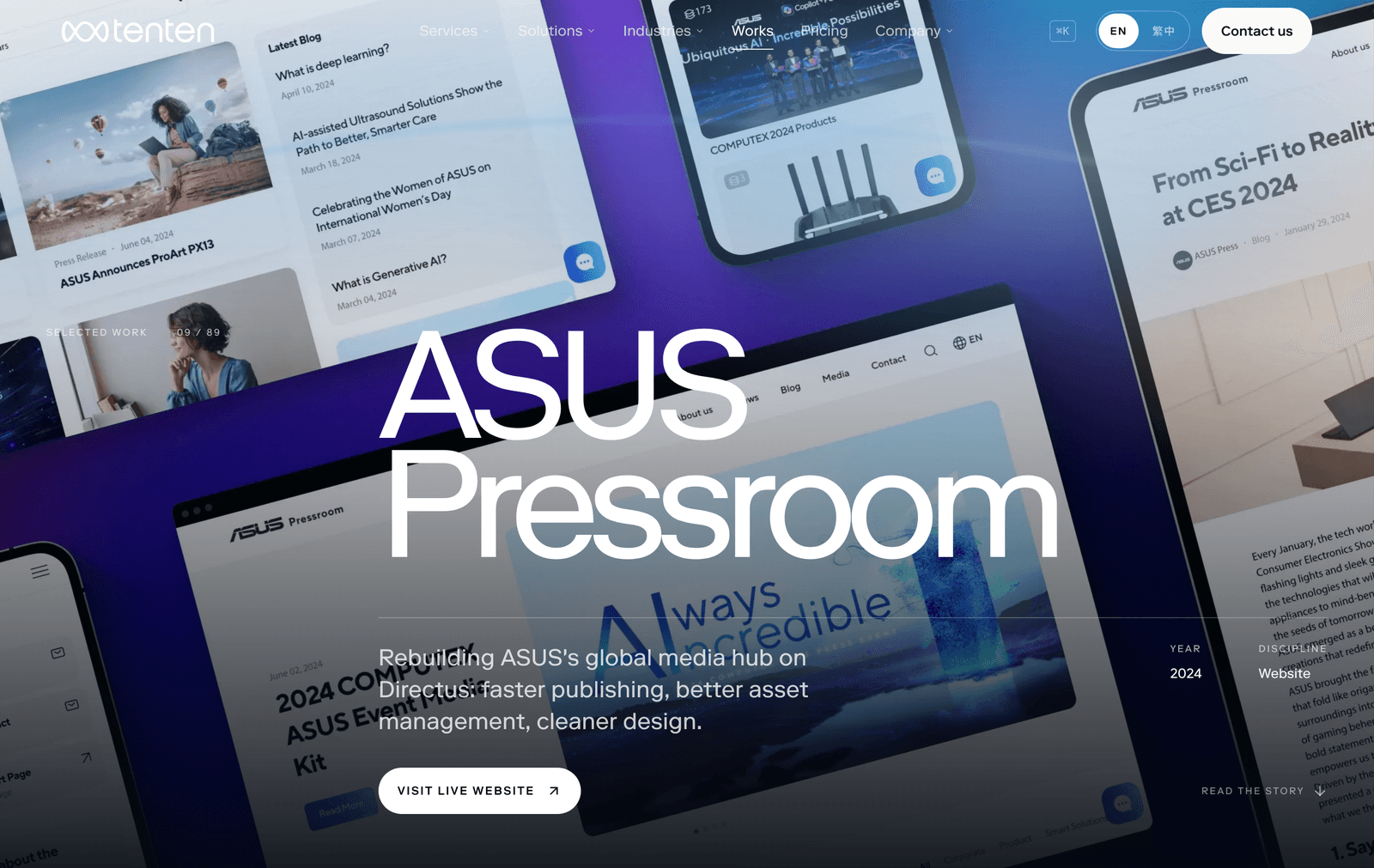
ASUS Pressroom · Technology · Media hub
AI integration case
On draft save: SEO fields, tags from the existing taxonomy, album path, image alt text, a Traditional Chinese draft
Explore the workflow
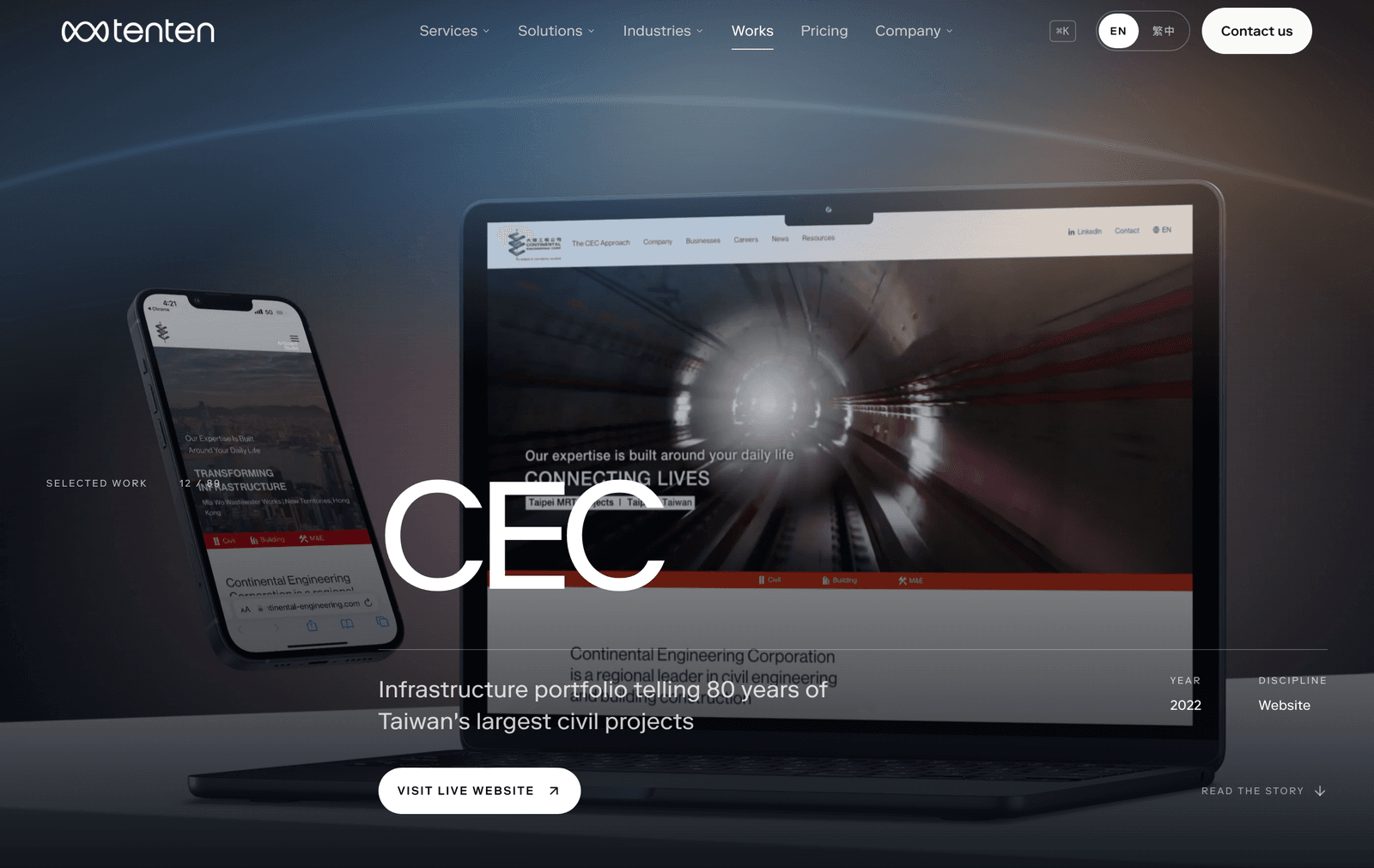
CEC · Civil & building engineering
AI integration case
Parse tender requirements → match archive and internal register → list projects with evidence → draft credentials section
Explore the workflow
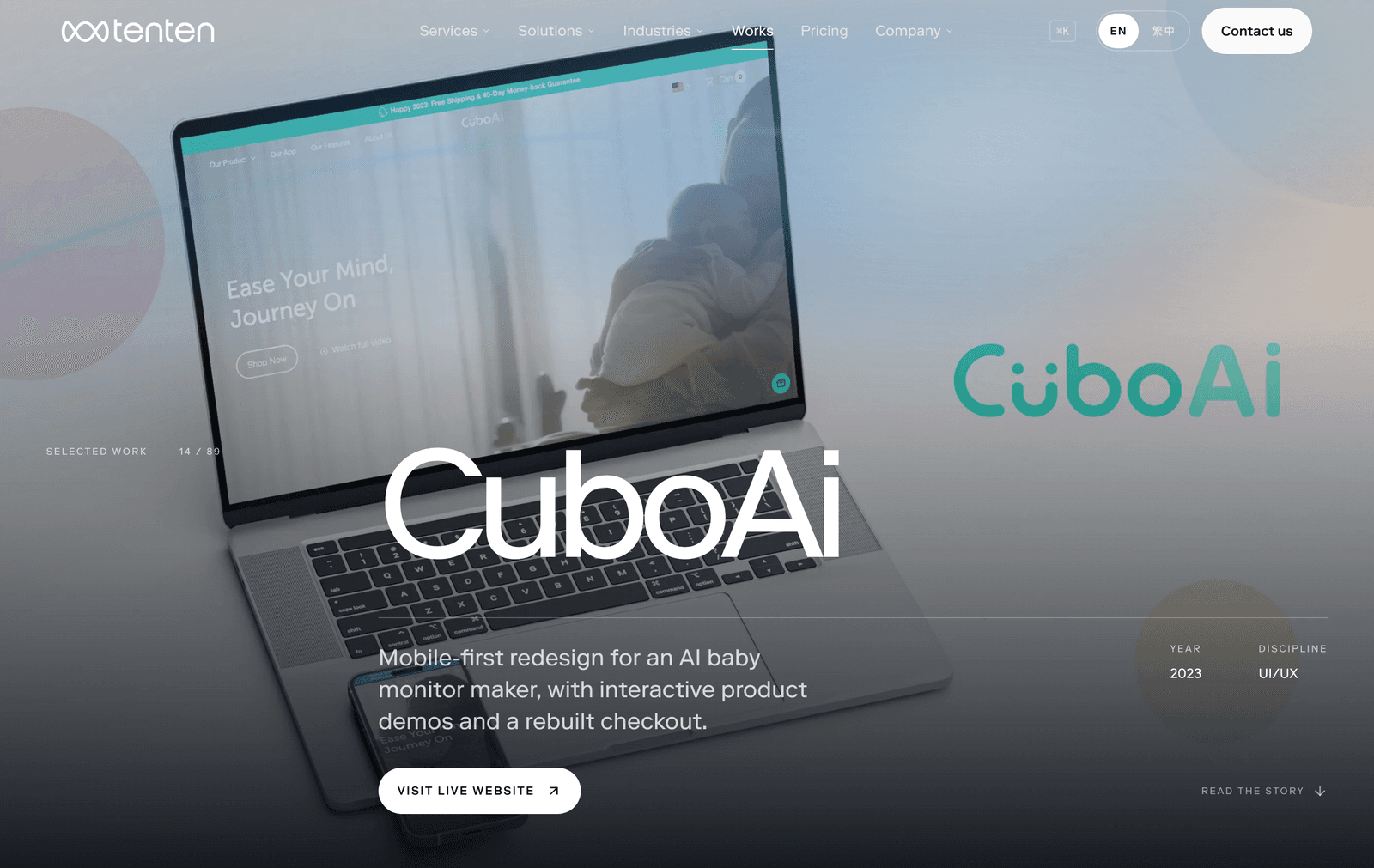
CuboAi · AI baby monitors
AI integration case
Model comparison, setup and Wi-Fi help, warranty and returns; verified order lookup; handoff with summary
Explore the workflow
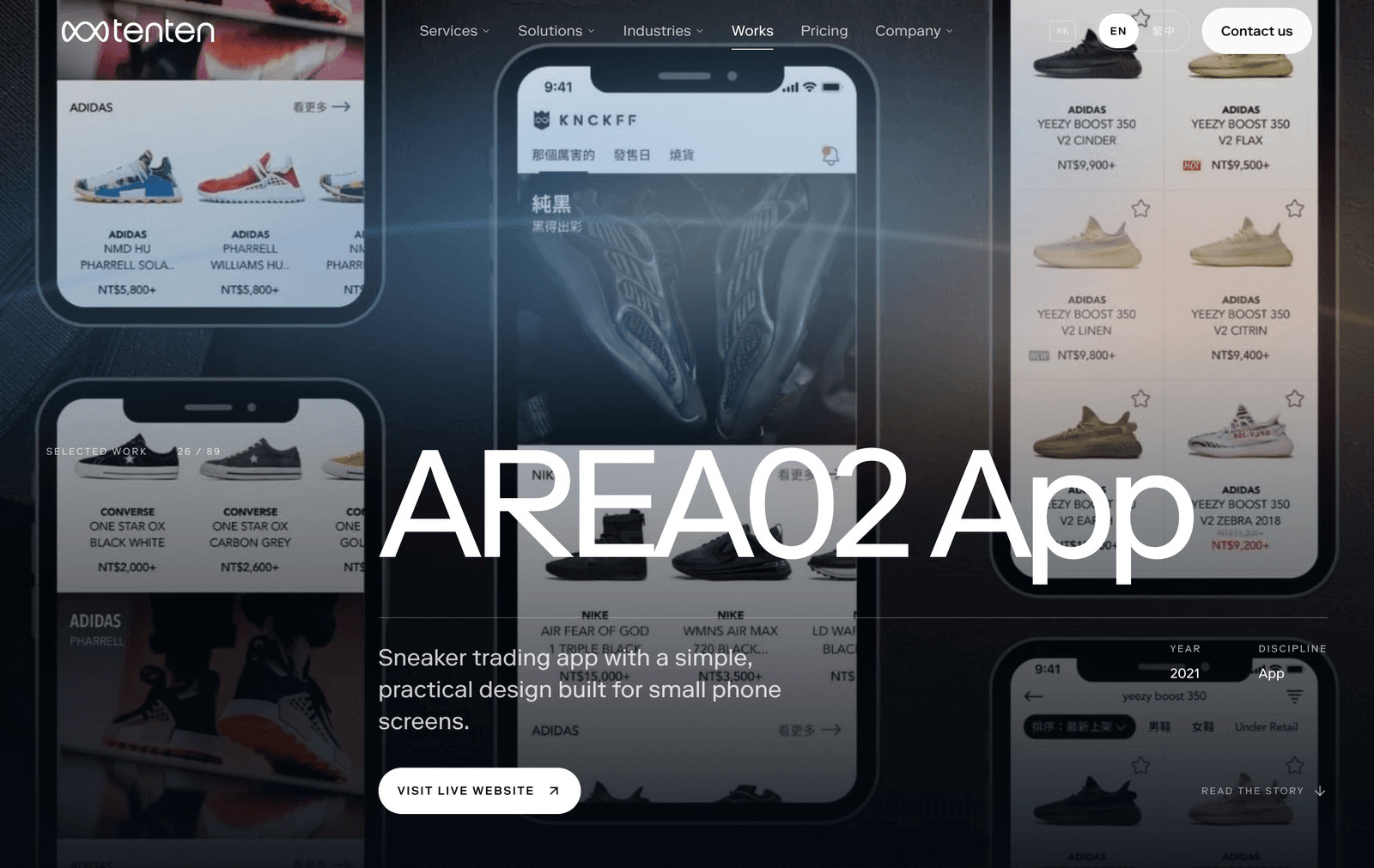
AREA 02 · Collectibles marketplace
AI integration case
Explains matching, fees and authentication; shows order and authentication status after login; opens dispute tickets
Explore the workflow
Commission the assessment separately. Review the use-case shortlist, architecture and budget range before committing to a build.
01
Interview teams, map data and systems, and select the first use cases.
02
Decide deployment, models and access, then make one use case testable.
03
Complete workflows, knowledge, system APIs, permissions and test sets.
04
Assign owners for monitoring, upgrades, quality and cost reports.
Use Dify Cloud or deploy in the organization’s AWS, GCP or Azure environment. Establish which data may reach a cloud model.
Keep the platform, knowledge and model in the enterprise environment. Evaluate network access and operating responsibility with the data boundary.
Keep knowledge and data internally; send only approved requests to cloud models. Permissions and data classification define the boundary.
A self-hosted platform needs upgrades, quality checks and cost management. Agree the operating scope and responsibilities before launch.
Upgrade staging first, back up before changes, and plan data migrations and rollback.
Review security advisories and affected components; agree roles, log retention and access.
Maintain a fixed test set. Review citations and unanswered questions to improve knowledge and workflows.
Review usage by application and department, then check model choice, cost and task fit.
Yes. Review the use-case shortlist, architecture and budget range before deciding on platform setup, agent development or operations.
Assess SSO, audit, workspace and permission requirements first, then evaluate the edition and license. Verify current capabilities and terms with Dify’s official documentation.
Start with the existing system’s APIs, data model and permissions. The deck covers integrations around Webflow, Directus, Shopify and an app; scope depends on each system.
Start with a narrow task, fixed steps and human approval. Evaluate quality and exception handling before adding tool permissions.
The five Tenten cases describe workflows, guardrails and tracking criteria, without AI improvement figures. Japanese enterprise figures belong to their cited companies or vendors and are not Tenten delivery results.
2026.10 · BILINGUAL PRESENTATION
A 35-slide presentation covering four service stages, five Tenten integration cases and eight public Japanese enterprise adoption examples.
Japanese enterprise examples are third-party references, presented separately from Tenten client cases.
Where is the data? Which systems need connecting? Who approves? Assess these before choosing a platform or model.
START HERE
Enter your name and work email. The problem type is optional. We will learn about the workflow by email; no specification or confidential data is needed here.
The form is still loading. You can also email us directly: inquiry@tenten.co